An AI tool privacy checklist for teams
Use this practical checklist before putting an AI tool in a real team workflow.
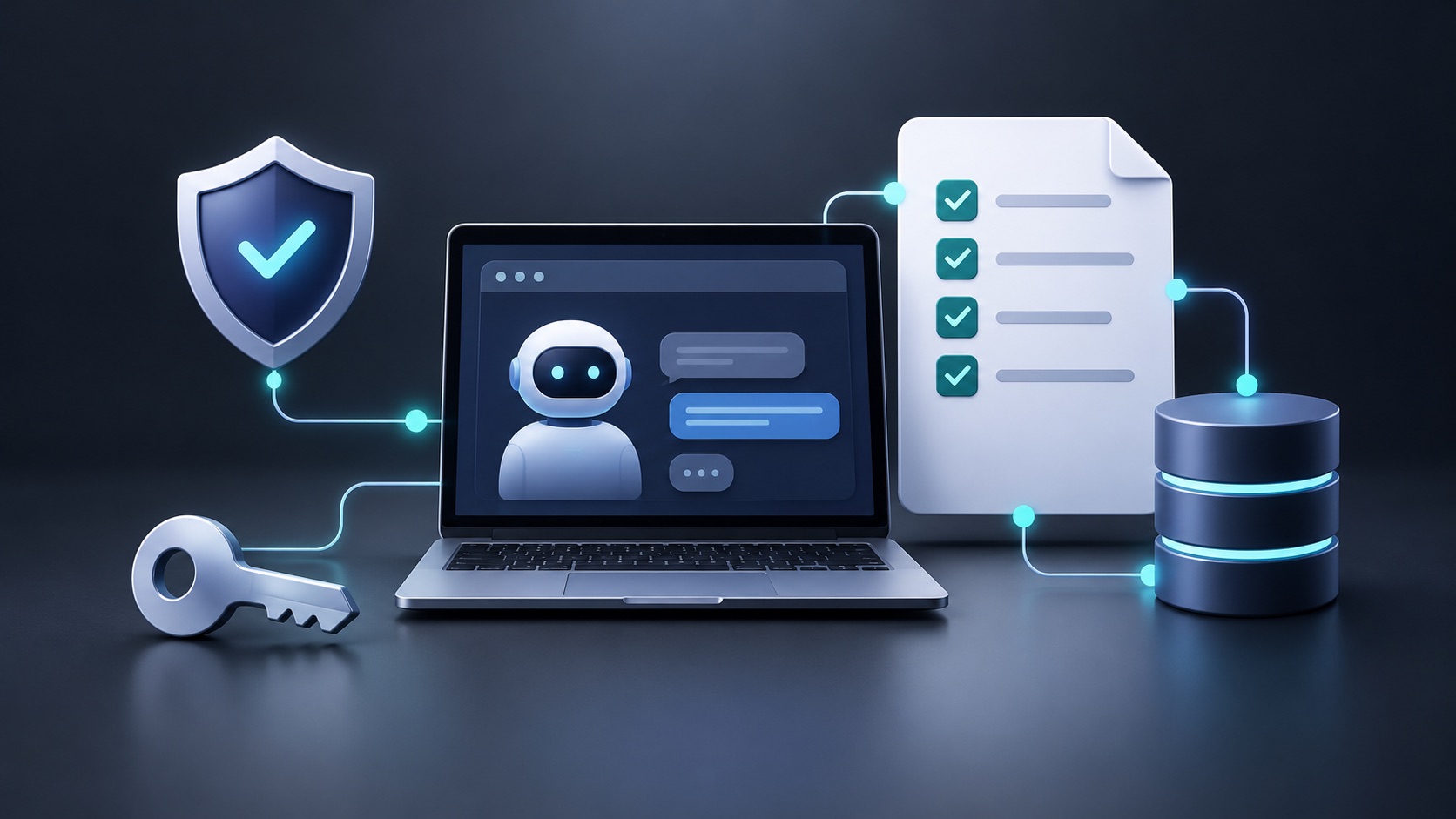
An AI tool can be useful and still be the wrong place for customer data, source code, credentials, or regulated records. A lightweight review before adoption is more effective than trying to repair an unsafe workflow later.
Map the data before comparing features
Write down the exact inputs a person will paste, upload, or connect. Include support tickets, source repositories, meeting notes, screenshots, API keys, and metadata. Then classify each input according to your organization’s existing data policy. “We will be careful” is not a control; a clear allowed-data list is.
Ask four concrete vendor questions
- Is content used for training, and can that setting be changed?
- What is retained, by whom, and for how long?
- Which subprocessors or model providers receive prompts?
- Which admin controls, audit logs, and deletion paths exist?
Product plans can differ materially. OpenAI documents separate data controls for personal ChatGPT workspaces and states that Business, Enterprise, Edu, and API offerings do not use provided inputs and outputs for training by default. Confirm the current policy for the exact product and plan you intend to use. OpenAI data controls
Run a 30-minute intake before a pilot
Use a short, repeatable intake so the decision is based on the workflow rather than a vendor demo. The owner should be the person accountable for the process that will use the tool; involve security or privacy early when the workflow includes customer data, source code, financial information, health information, or regulated records.
| Prompt | Evidence to collect | Decision it supports |
|---|---|---|
| What job will the tool perform? | One sentence, named users, and the expected output | Keeps the trial narrow and testable |
| What data crosses the boundary? | Inputs, attachments, connectors, metadata, and outputs | Determines the required controls |
| Where does data go next? | Model provider, subprocessors, integrations, and retention settings | Reveals downstream exposure |
| Who can approve and revoke access? | Roles, SSO/SCIM support, audit logs, and offboarding steps | Tests operational control |
| What is the fallback? | Manual process and export/deletion path | Keeps adoption reversible |
Do not paste production secrets or sensitive records into a trial merely to see whether the output is impressive. Start with a permitted synthetic or redacted sample, record the account settings used, and retain the test result with the procurement decision. This creates an audit trail without treating a marketing claim as assurance.
Check the controls that change real risk
Privacy language alone is not a configuration. Confirm the exact plan, region, account type, data controls, and integrations that the team will actually use. A useful review separates controls that the vendor operates from controls the customer must configure.
- Identity and access. Verify SSO, MFA, role boundaries, access reviews, and what happens when a user leaves. If access is shared through a connector, test the connector's permissions separately.
- Data use and retention. Document whether prompts, files, tool calls, and outputs are retained; whether they are used for training; and how deletion requests work. Capture the relevant policy URL and the date reviewed.
- Admin visibility. Confirm that an administrator can see usage, connected applications, and policy changes. A control that cannot be observed is difficult to operate.
- Export and exit. Test whether the team can export its content, remove integrations, and close the account without leaving an unmanaged copy behind.
- Prompt-injection resilience. For tools that browse, read documents, or call external systems, test untrusted instructions in a safe environment. Treat the model's output as untrusted until a human or deterministic control approves an action.
NIST's AI RMF is useful here as a voluntary way to frame trustworthy-AI risks across design, use, and evaluation; it is not a certification and does not replace legal or security review. NIST AI RMF OWASP's LLM and GenAI guidance is a practical companion for application-level threats such as prompt injection and excessive agency. OWASP GenAI Top 10
Test the operational controls
During a pilot, verify that an administrator can provision and revoke access, configure sharing, and export audit evidence where required. Test account offboarding. Check whether integrations inherit their own permissions and retention rules. If a tool supports bring-your-own-key or third-party models, treat that as an additional data path rather than a privacy shortcut.
GitHub’s guidance for Copilot Chat notes that BYOK prompts and responses are sent to the selected provider and can be subject to that provider’s retention and privacy policy. The same principle applies broadly: model choice changes the data-flow review. GitHub BYOK guidance
Set safe defaults
Start with least privilege, separate test data from production data, and prohibit secrets in prompts. Provide examples of permitted and prohibited inputs. Keep a human approval step for external communications, production changes, and decisions affecting people.
Privacy controls reduce risk; they do not establish compliance on their own. Involve security, privacy, and legal owners when the data or use case requires it.
Pilot, record, and revisit
Approve a pilot for a defined time period, a defined group, and a defined data class. Before it begins, write success criteria such as reduced drafting time without an increase in factual corrections, and stop criteria such as exposure of restricted data or an inability to revoke access. At the end of the pilot, retain the completed intake, the configuration snapshot, incidents or near misses, and the final owner decision.
This guide is editorial education, not legal, privacy, or security advice. Product terms, model behavior, and regulations change; review primary documentation and obtain qualified advice for your jurisdiction and use case.
Turn the checklist into an operating routine
A checklist only lowers risk when it changes a repeated decision. Assign an owner for every approved AI workflow and give that owner a small, durable record: the business purpose, approved plan, permitted data classes, enabled integrations, named administrators, review date, and escalation contact. Keep this record alongside the process documentation rather than buried in a procurement ticket. A new connector, model provider, browser extension, or workspace setting can create a meaningful change in data flow even when the tool’s name has not changed.
Make the routine easy enough to follow under deadline pressure. Before a user connects a new source, ask whether the source contains restricted data, whether the connection can write or take action, and whether access can be revoked centrally. Before a team enables an agent, specify which actions require a human approval and what evidence must be retained. When an incident or near miss occurs, capture the prompt pattern, configuration, impact, containment step, and the control that should change. The goal is learning, not blame.
Review the record on a schedule and whenever there is a material product or policy change. Sample actual usage to check that users are following the allowed-data guidance; if they are not, improve the workflow or training rather than relying on a reminder alone. A mature program also gives users a safe alternative for work that cannot enter the AI tool, so that the secure path is practical. This converts a one-time privacy questionnaire into an operational control that remains useful after the initial pilot.