
Descript
VerifiedAn audio and video editor that lets you edit media by editing the transcript.
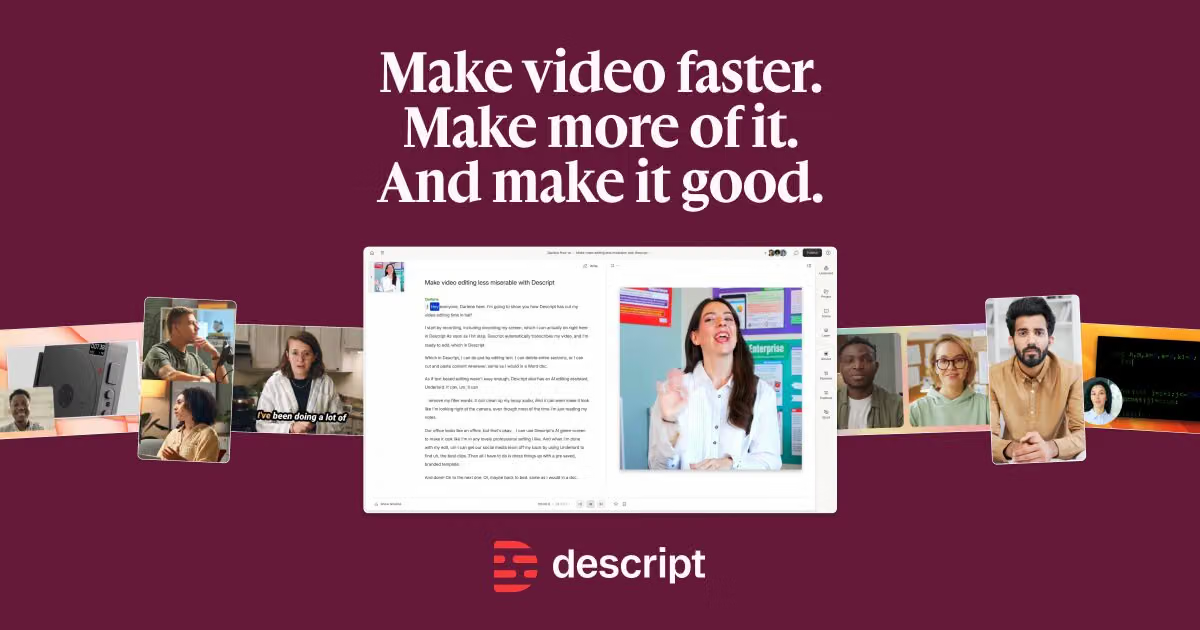
What is Descript?
An audio and video editor that lets you edit media by editing the transcript. Descript is designed for people who need help with creating, editing, or preparing audio-led content for a production workflow. In a typical workflow, it can help you develop voice or sound assets, iterate on delivery and style, and prepare material for review or publishing. The best way to evaluate it is with a small, real task: define the input, desired result, constraints, and the human review step before you start. Confirm voice, music, likeness, and commercial-use rights before using outputs in public or client work.
Who is Descript best for?
- Podcasters, video teams, and creators editing media through a transcript-first workflow
- Teams with a recurring need for creating, editing, or preparing audio-led content for a production workflow.
- Workflows where a person can review the result before it is shared, published, or used to make a decision.
What can Descript do?
- Create audio starting points. Use a brief or reference to generate voice, sound, or music directions for a creative review.
- Refine delivery and style. Iterate on pacing, tone, pronunciation, arrangement, or selected source material until the output fits the brief.
- Prepare production-ready assets. Keep the approved version, source material, and rights information together before publishing or handing work to an editor.
Key capabilities
Focused product experience
Use Descript for the work it is designed to support, with a clear starting point for new users.
Built for practical workflows
A useful option when you need Voice & Audio capabilities in your day-to-day workflow.
Official product access
Visit the official website to review current features, availability, and account requirements.
Common questions about Descript
What should I try first with Descript?
Start with one small, reversible Voice & Audio task with a clear input and a reviewable outcome. Check the current plan, permissions, and output before using it in a shared workflow.
How should I evaluate Descript?
Run a time-boxed pilot with permitted inputs and the same success criteria you use today. Compare the reviewed result with your current process, then record the changes a person still needs to make.
What should I review before relying on Descript?
Confirm data access, pricing and usage limits, output accuracy, and the person responsible for final approval. Keep a fallback process for important work.
Alternatives to Descript
Compare these curated tools with a similar category and use case.

Suno
Music generationAn AI music creation platform for generating songs from natural-language ideas.

ElevenLabs
Voice generationA voice platform for natural speech generation and audio workflows.